Run Your Salon from Your AI Agent: BeautyOS for ChatGPT, Claude Code and MCP
Your salon already runs on a list of tasks you do between clients: updating prices, adding a new stylist, moving a booking, checking who no-showed last week.…

co-founder

Listen to this article
English · 4:23
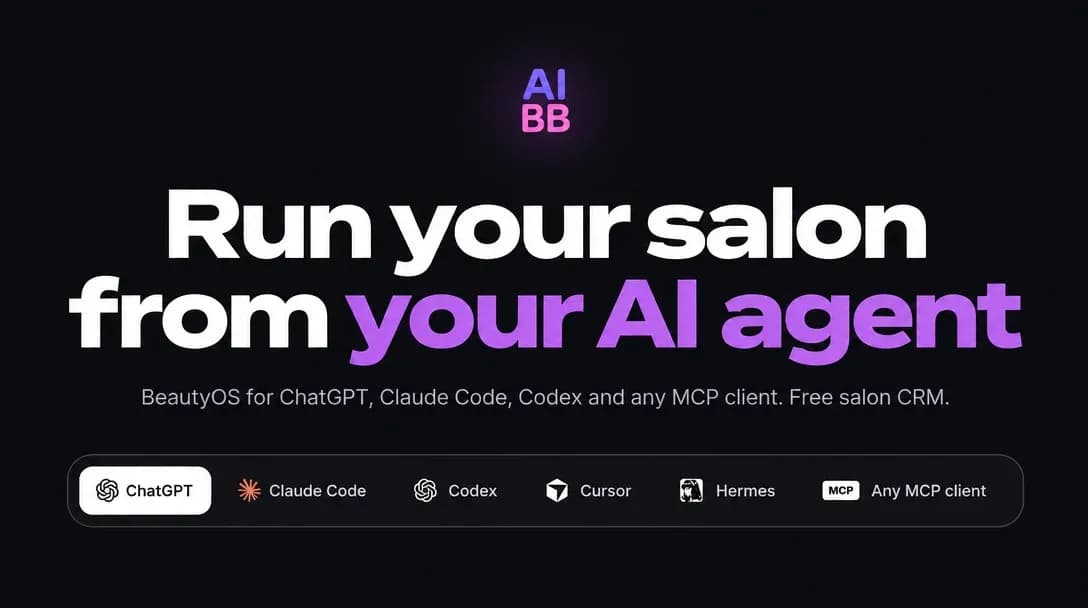
Your salon already runs on a list of tasks you do between clients: updating prices, adding a new stylist, moving a booking, checking who no-showed last week. What if you could do those things by asking your AI assistant, the same way you ask it to draft an email?
BeautyOS now works that way. You can connect it to ChatGPT or to any agent that supports the Model Context Protocol (MCP), and manage your salon from the conversation. Nothing changes until you confirm it.
What BeautyOS gives your agent
BeautyOS is a free salon CRM. It includes a calendar, client records, a shared inbox, and the tools to organize services, prices, staff and schedules. Your agent works with that same data, so you do not have to copy information between apps.
AI Beauty Bot adds the automated receptionist on top: it answers messages and calls, checks availability and creates bookings within the rules you set. The agent connection is a way to run your salon setup and daily admin from the tool you already use.
Two ways to connect
In ChatGPT: open the BeautyOS app in ChatGPT and click Install plugin. There is no code to write.
In Claude Code, Codex, Cursor, Hermes or another MCP client: paste the setup prompt from the BeautyOS agents page. The agent installs the skill itself.
Both routes lead to the same salon account. Once connected, you can ask your agent to manage it.
Set up your salon from a price list
The fastest first step is a photo or file of your current price list. Upload it and ask:
"Set up my salon from this price list."
The agent reads the list and shows you what it will add: services with prices, your stylists and their hours, and an online booking page. You review the preview and confirm. Only then does anything go live.
You can give the same kind of instructions for everyday tasks, such as adding a stylist's working hours, publishing your booking page, or asking how many no-shows you had last month.
Your control and your security
Two rules matter most when an AI agent touches your business:
- You approve every change. The agent shows a preview first, and nothing is applied until you confirm.
- Passwords and keys stay out of the chat. Credentials for Instagram, WhatsApp or other connected services are entered on BeautyOS pages only.
You can also disconnect an agent at any time. Revoking access takes one click.
Common questions
Do I need to know how to code? No. In ChatGPT you open the BeautyOS app. With Claude Code, Codex or Hermes you paste one prompt, and the agent does the installation.
What is MCP? Model Context Protocol is an open standard that lets AI assistants connect to outside tools and data. BeautyOS uses it so that any MCP-compatible agent can work with your salon.
Can I keep using Altegio, Square, Acuity or SimplyBook? Yes. BeautyOS connects to these booking platforms, so you can keep the calendar you already use.
Is BeautyOS free? The core salon CRM is free. Autonomous AI reception and advanced features depend on the plan you choose. There is a three-day free trial of AI Starter, so you can test automated reception before you decide.
Start with one task
You do not need to move your whole salon at once. Connect your agent, upload your price list, and review the first preview. Once you see how the setup works, ask your agent for the next task.
Connect BeautyOS to your AI agent and run your salon from the chat you already use. Start with the free salon CRM and add AI reception when you are ready.