How to Cut No-Shows in Your Salon Without Chasing Clients
Every empty chair is income you planned on and did not get. For most beauty businesses, no-shows are not a sign of unhappy clients. They happen because a…

co-founder

Listen to this article
English · 3:46
How to Cut No-Shows in Your Salon Without Chasing Clients
Every empty chair is income you planned on and did not get. For most beauty businesses, no-shows are not a sign of unhappy clients. They happen because a booking was made in a rush, a reminder never arrived, or nobody confirmed the appointment before the day started.
You shouldn't have to spend your evenings chasing people. Here is a practical way to reduce no-shows with a system that works while you are busy with the client in front of you.
Why clients forget
Clients rarely decide to skip an appointment. Usually:
- They booked days or weeks ago and forgot the time.
- They booked by message at midnight and never got a confirmation.
- They did not know they could move the appointment easily, so they just didn't come.
Each of these is a small process gap, and small gaps add up.
Step 1: Confirm every booking straight away
A booking that is confirmed within seconds feels real to the client. Send a short message with the service, the date, the time, and an easy way to reschedule. Do this on the channel your client already uses, whether that is WhatsApp, Instagram, Messenger, or phone.
Step 2: Send a reminder before the appointment
One reminder a day or two before the visit is usually enough to bring a client back to mind. Keep it short. Name the service, give the time, and make rescheduling simple so a client who cannot make it moves the booking instead of disappearing.
Step 3: Make rescheduling easy
A client who wants to cancel will do it more often when changing the time takes one reply. If your booking process needs a phone call during opening hours, you will lose appointments to inconvenience, not to a lack of interest.
Step 4: Use the same calendar everywhere
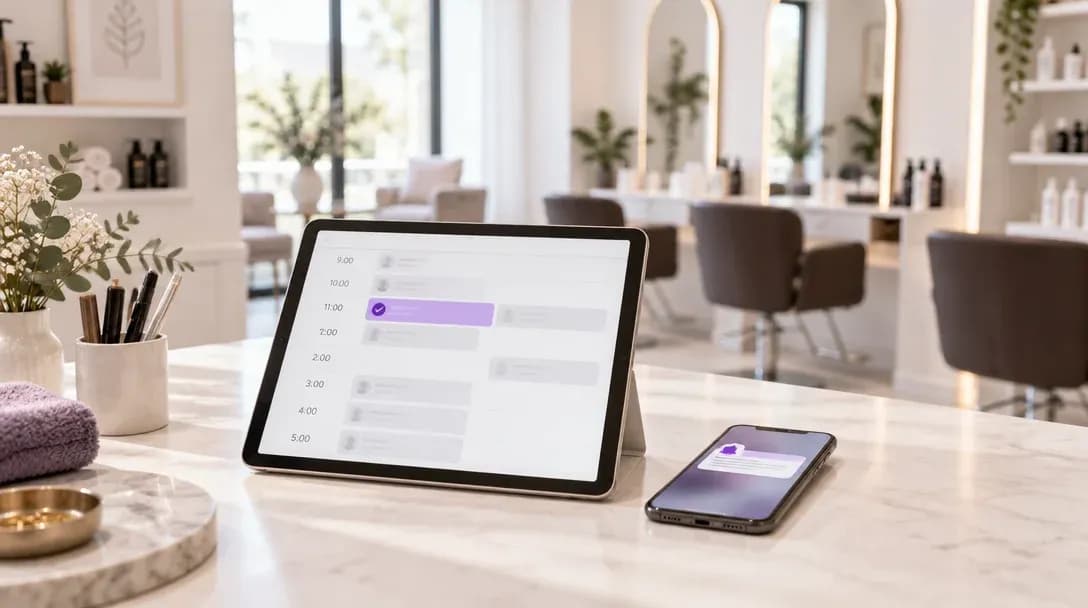
Double bookings and missed updates cause as many problems as no-shows. Keep one source of truth: your salon calendar or CRM. Confirmations, reminders, and changes should all update that same record.
Step 5: Track the pattern
Look at which services, days, and times have the most cancellations. You may find that Monday morning slots or long treatments are the problem, and you can adjust reminders or booking windows for those cases.
How AI Beauty Bot helps
AI Beauty Bot is an AI receptionist built for beauty businesses. It answers messages and calls around the clock on WhatsApp, Instagram, Telegram, Facebook Messenger and phone, checks availability, and creates bookings inside your calendar or CRM. It can also handle rescheduling and cancellations within the rules you set. Reminders and reactivation campaigns are available on eligible plans.
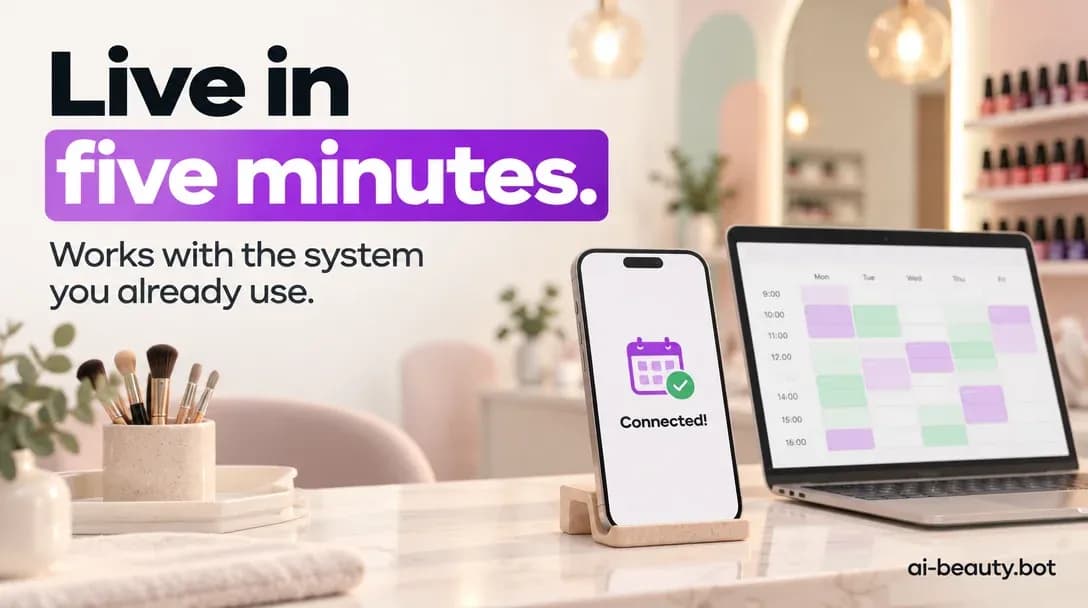
It connects to tools such as Altegio, Square Appointments, Acuity Scheduling and SimplyBook.me, so you can keep the calendar you already use. Setup is designed to take about five minutes.
Start with one change this week
You do not need to fix everything at once. Pick the step that is missing most in your business, whether that is instant confirmations or an easy way to reschedule, and start there. Fewer no-shows come from a steady process, not from more hours spent on your phone.