Before You Connect an AI Receptionist: A Salon Setup Checklist
The fastest way to get value from an AI receptionist is to give it accurate information from day one. When your services, prices, staff and hours are clear,…

co-founder

Before You Connect an AI Receptionist: A Salon Setup Checklist
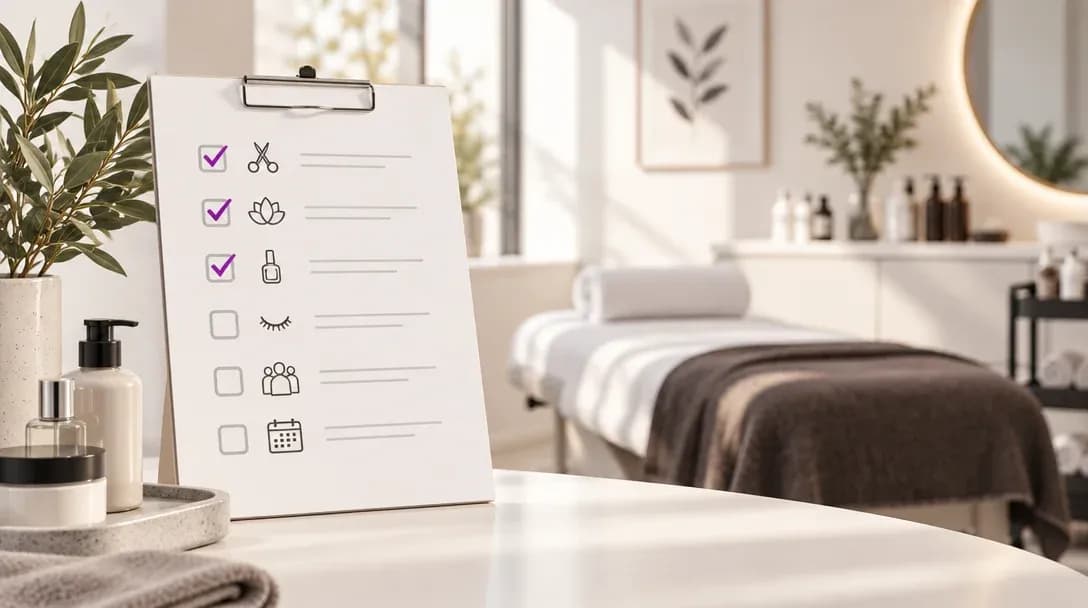
The fastest way to get value from an AI receptionist is to give it accurate information from day one. When your services, prices, staff and hours are clear, the tool can answer questions, offer real times and book appointments without guesswork.
You shouldn't have to stop your day to set everything up. Spend a short session on this checklist before you connect anything, and you will avoid most of the common setup problems.
1. List your services with durations
Write down every service clients book, with how long each one takes. Include add-ons and any treatments that need extra time, such as a full set versus a refill, or a colour service versus a cut. Accurate durations stop double bookings.
2. Confirm your prices
Check that each service has a current price in your calendar or CRM. If prices change by season or by stylist, note the rules. A receptionist can only quote what you have set.
3. Set your staff schedules
Decide who does which service, and when each person is working. Include breaks, days off and any stylist who only takes certain services.
4. Write your booking rules
Decide how far ahead clients can book, how much notice you need for changes, and which services need a consultation first. Clear rules let the AI handle routine requests without asking you each time.
5. Decide what needs a human
Some topics should go straight to your team: complaints, medical questions, refunds, or a client who wants a specific person. Decide these in advance so every conversation has a clear route.
6. Check your channels
List the places clients contact you: phone number, WhatsApp, Instagram, Messenger and any other inbox. Make sure you know which ones you want the receptionist to answer.
7. Connect your calendar
Once the basics are in place, connect the calendar or CRM you already use. If you do not have a system yet, the free CRM in BeautyOS covers the core needs, including a calendar, client records and a shared inbox.
How AI Beauty Bot gets you live faster
AI Beauty Bot is an AI receptionist built for beauty businesses. It is pre-trained for the industry, connects to Altegio, Square Appointments, Acuity Scheduling and SimplyBook.me, and is designed to go live in about five minutes once your calendar is ready. Staff can take over any conversation at any time.
Start with the checklist
Set aside one short session this week. Write down your services, durations and prices first. Those three things do most of the work.